

Mobile app development
An app people can actually use.
Native iPhone and iPad apps. Flutter web prototypes you can open on a phone or laptop.
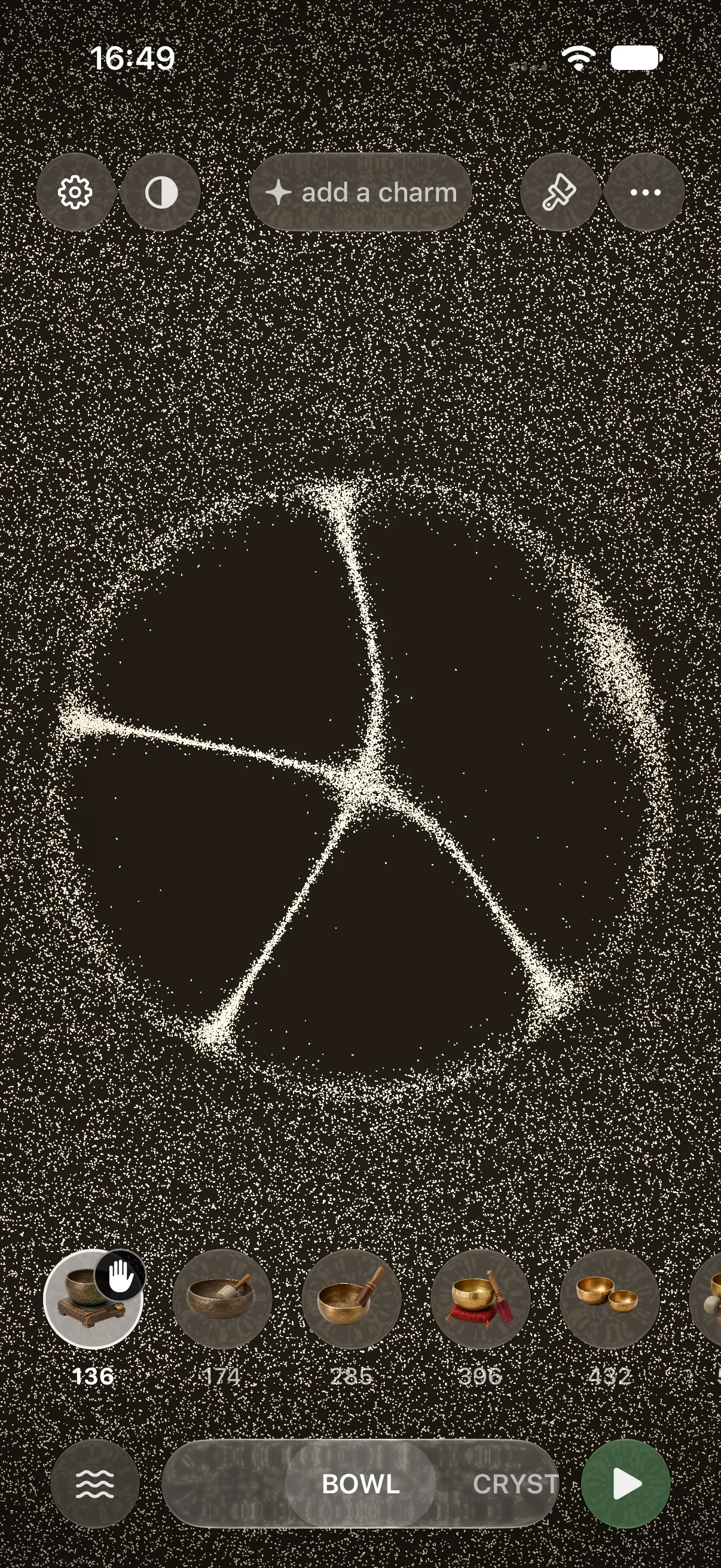
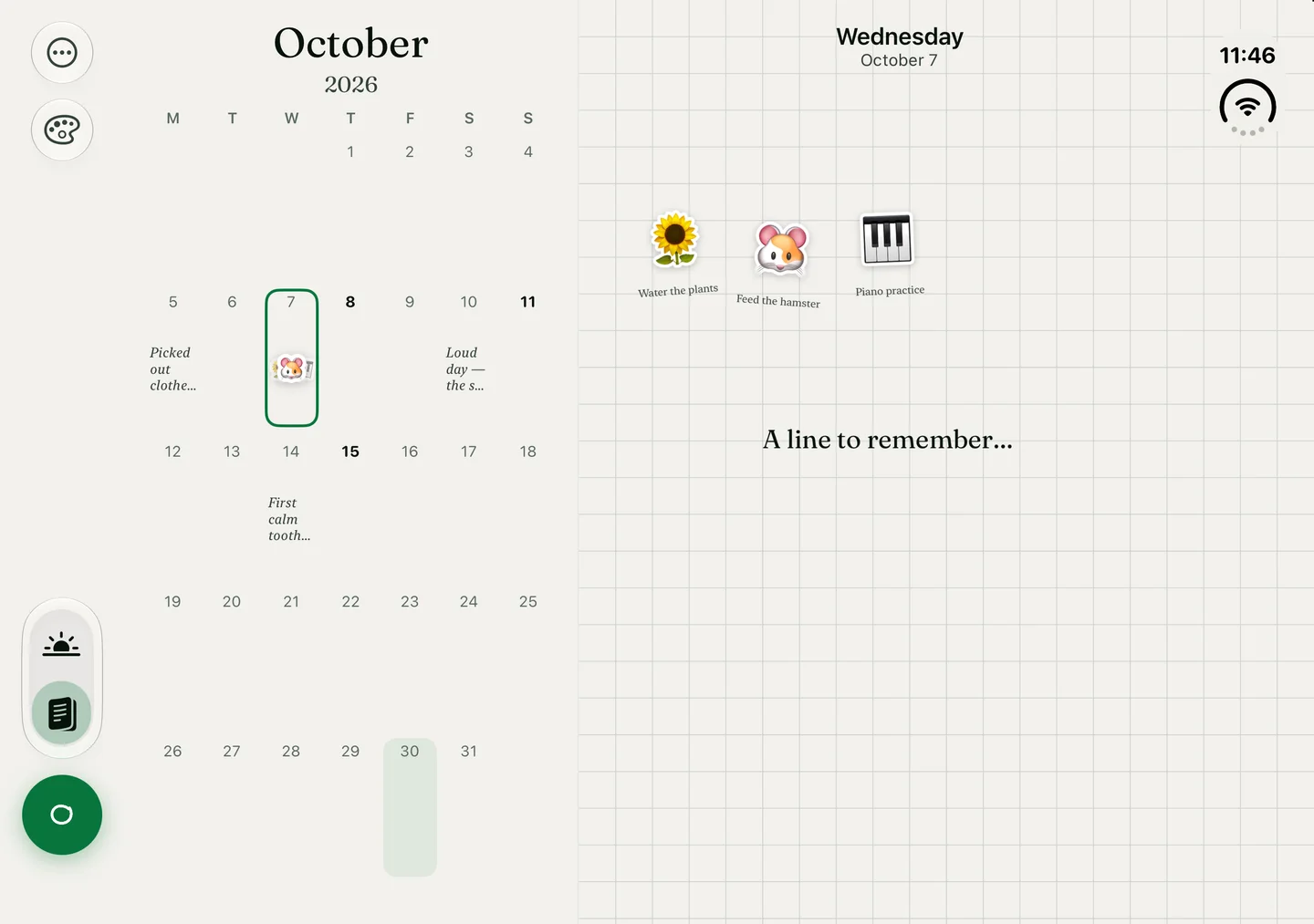
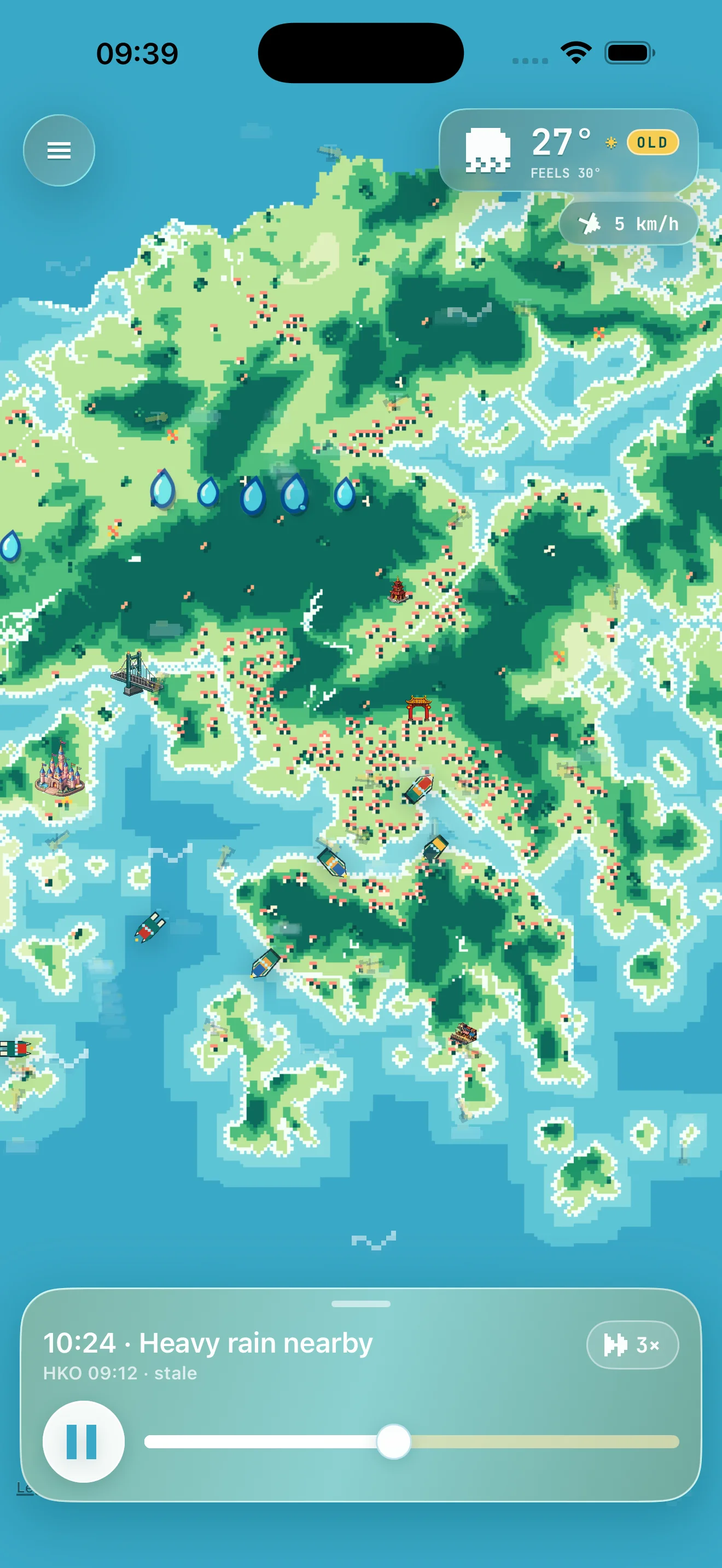
Made here. Used by touch.
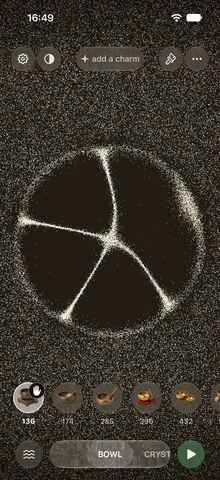
Gesture-driven sound. Shown in its beta build.
Actual product screens. Explore the three examples.
What we can help with
-
Native iOS and iPadOS
Interfaces, device features and interactions designed together.
-
Flutter web prototypes
Let people try one working flow on their phone or laptop, from a shared link.
-
Backends and integrations
Connect the app to the information and services it needs.
Work behind the service
Explore the journal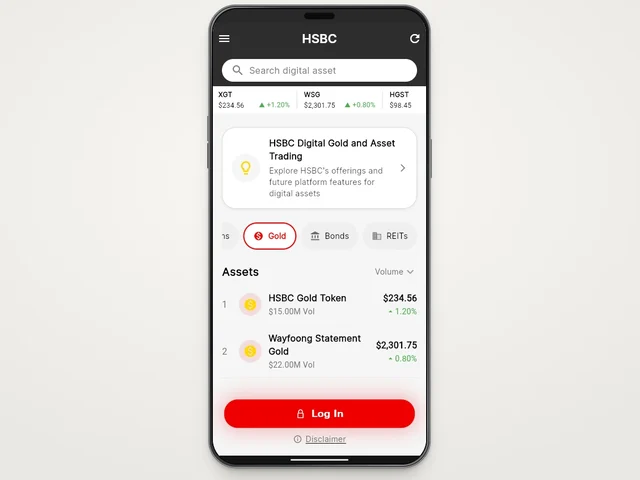
From the first conversation to the handover.
Find the essential interaction
Define the one thing the app needs to make easy.
Build it on the device
Review the interaction in a working native build or a Flutter web demo on the devices your audience uses.
Prepare the release
Check the agreed device set, accessibility and release requirements.
Start with the part people will use
The first useful version of an app is often one complete action: play an instrument, make a routine card or understand the rain around you. We build that interaction early so you can test the product before committing to every screen.
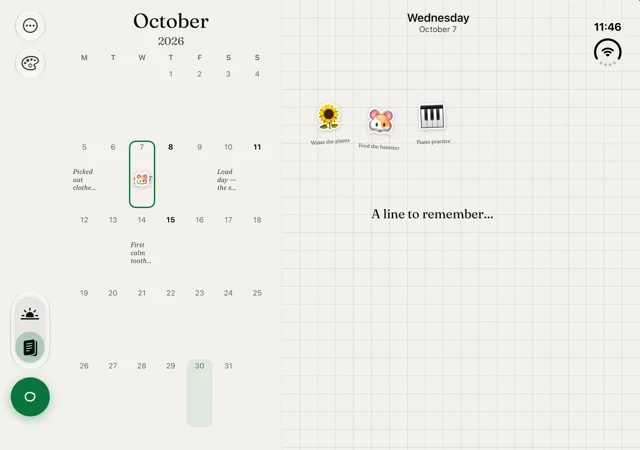
Touch Grass, Misha and Waffle are our native iPhone and iPad work. Each asks something different of the device, from responsive audio to editable journals and live weather maps. For an early product test, we also build in Flutter Web so a team can try the same interaction on a phone and a laptop.
What the work can include
- Product flows and an interactive prototype around the essential task.
- Native Swift and SwiftUI interfaces, device features and local persistence.
- APIs, account flows and backends where the product needs them.
- Accessibility, layout and interaction checks on the agreed devices.
- Beta distribution, release preparation and a documented handover.
Release scope includes the product itself and its supporting material: permission explanations, store assets, privacy information and an update plan. Store review remains a separate step from a successful build.
Choosing platforms
If you need people to try a flow today, a Flutter web build gives them a link they can open on a phone or laptop. If the product relies on iPhone audio, sensors or background work, we test those features in a native build. Android and iOS store releases each need their own device checks and release plan.
Bring an existing app, too
If you already have code, start with a focused review: what builds, what users can complete, and what is making the next release difficult. That gives the next piece of work a clear boundary.
A few things you might be wondering.
Can you take an existing app forward?
Yes. We start by reviewing the codebase, dependencies and current build, then scope the changes.
Can we try a cross-platform prototype?
Yes. We build Flutter web prototypes that open from a link. Try HSBC Digital in Work behind the service to explore the same sample market on a phone and a laptop.
Tell us what you're building.
Bring the task, the people using it and the systems it needs to work with. We'll define the scope and the next useful step.
Discuss your project