
technology
Touch Grass: a sound app you can play by touch
- Tap to strike an instrument. Draw a circle to make a bowl sing.
- Watch the sound canvas form shifting patterns as you play.
- Start an ambient session when you want the app to continue on its own.
A singing bowl on a phone needs more than a play button. You should be able to strike it, let it ring, then decide when to quiet it.
That’s the starting point for Touch Grass, a Lyfar Studio product for iPhone and iPad. It brings playable instruments, ambient sessions and a moving visual canvas into one app. The work is in how those pieces respond to the same hand.
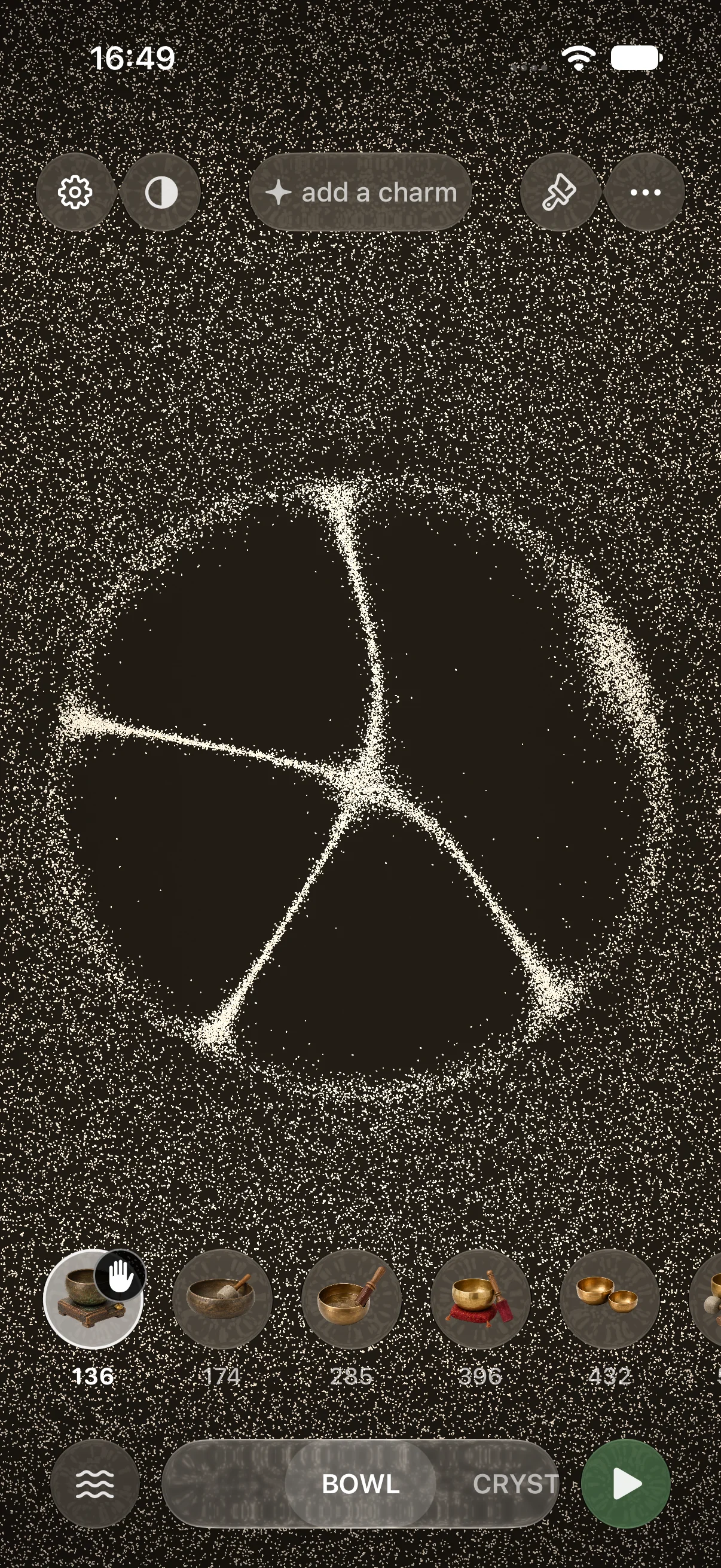
The Sand canvas in the October 2026 beta. This is an app capture, with the instrument choices and damping control visible.
Give the gesture something to do
Choose a bowl and tap the canvas. That starts a strike. Move your finger in a circle and the app detects the circular motion, using its speed to build the bowl’s sustained sound. Lift your finger and the sound releases into a tail. The hand control lets you damp it deliberately.
The instruments need different gestures. A quick swipe stirs the wind chimes; a faster swipe brings more notes. A drum responds to contact. Copying the same interaction onto every instrument would make the selection mostly cosmetic.
Underneath, the app measures touch position, movement and speed. Its audio engine turns those inputs into instrument voices, while the visual system receives the active instrument and gesture state. The interactive instruments are synthesised on the device; ambient sessions can combine them with recorded sound.
You don’t need to know any of that to play it.
It is the same expectation you bring to a light switch: your hand does something, and the result should make sense. The engineering can be complicated. The action shouldn’t need a technical explanation.
Teach it through the surface
The introduction asks you to try the gestures on the canvas itself. In the chime lesson, a curved guide marks the swipe across the sand. The next step stays dim until you perform the action. You can also skip the tour.
That detail matters more to me than another page of instructions. The person learns what their hand can do in the same place where they’ll keep doing it.
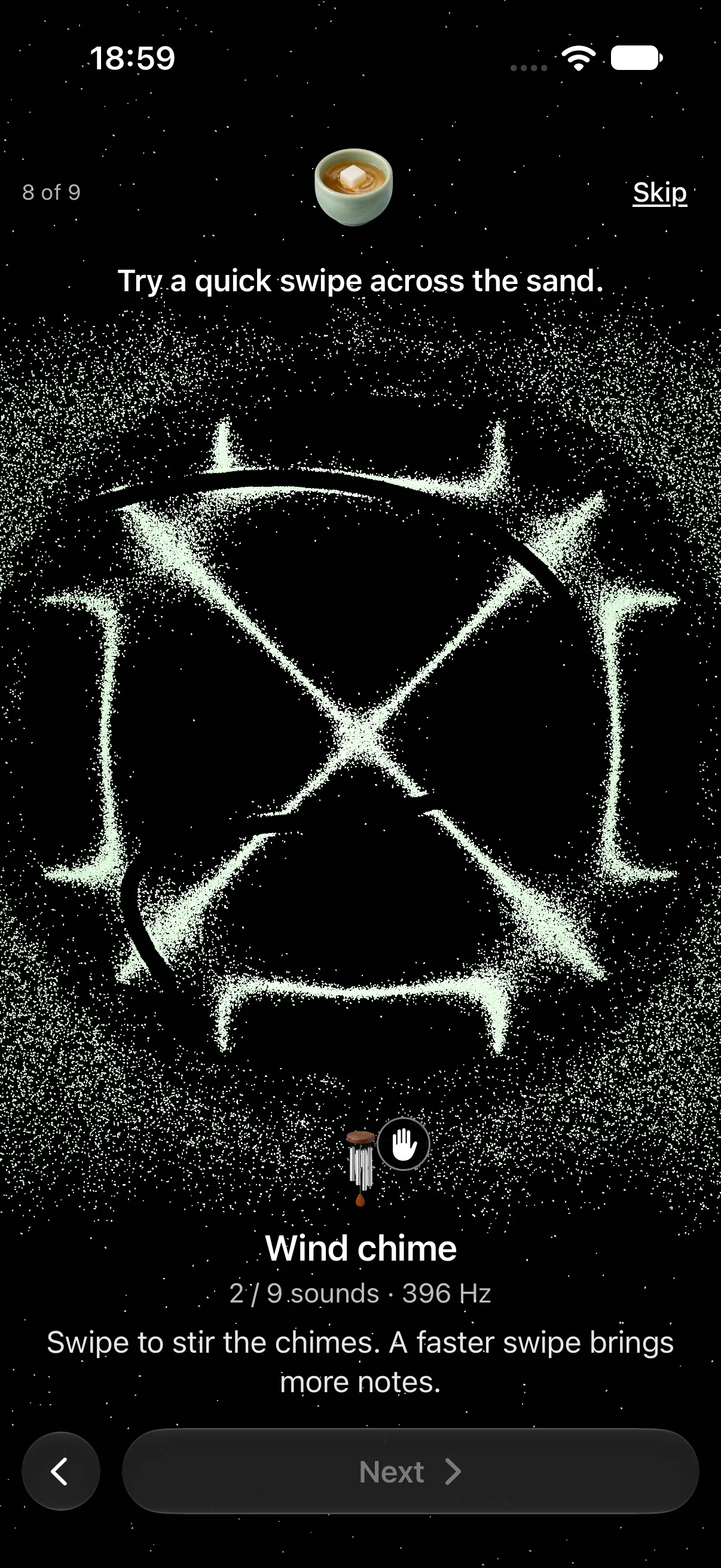
The chime lesson uses the working canvas, with a guide built into the app.
The Sand surface draws changing grain patterns around the instruments being played. These are authored visual responses to the sound. Once you start an ambient session, the app can continue playing while you watch or put the phone down.
A still image only shows part of this. It can’t establish whether a strike feels immediate or whether a ringing tail sounds good through headphones. Those are listening and interaction decisions, and they belong in the product work alongside the layout.
For an app idea built around touch, sound or movement, I’d start there: one action, with a response you can try. A working moment gives you something concrete to refine. Explore Touch Grass and its beta , or bring me the interaction you want to build .
Interested in this?
Learn about Technology →