


technology
Misha: build a day from your own things
You can plan tomorrow morning with a photograph of your own toothbrush. In Misha, the things around you are the material for the day:
- Make routine cards from photos of familiar objects.
- Arrange tasks, pictures and notes on an editable page.
- Keep a finished routine as a memory.
Misha is a Lyfar Studio product, a visual planning and journaling app I’m building for a parent and child to use together. The starting point is something you can both point at.
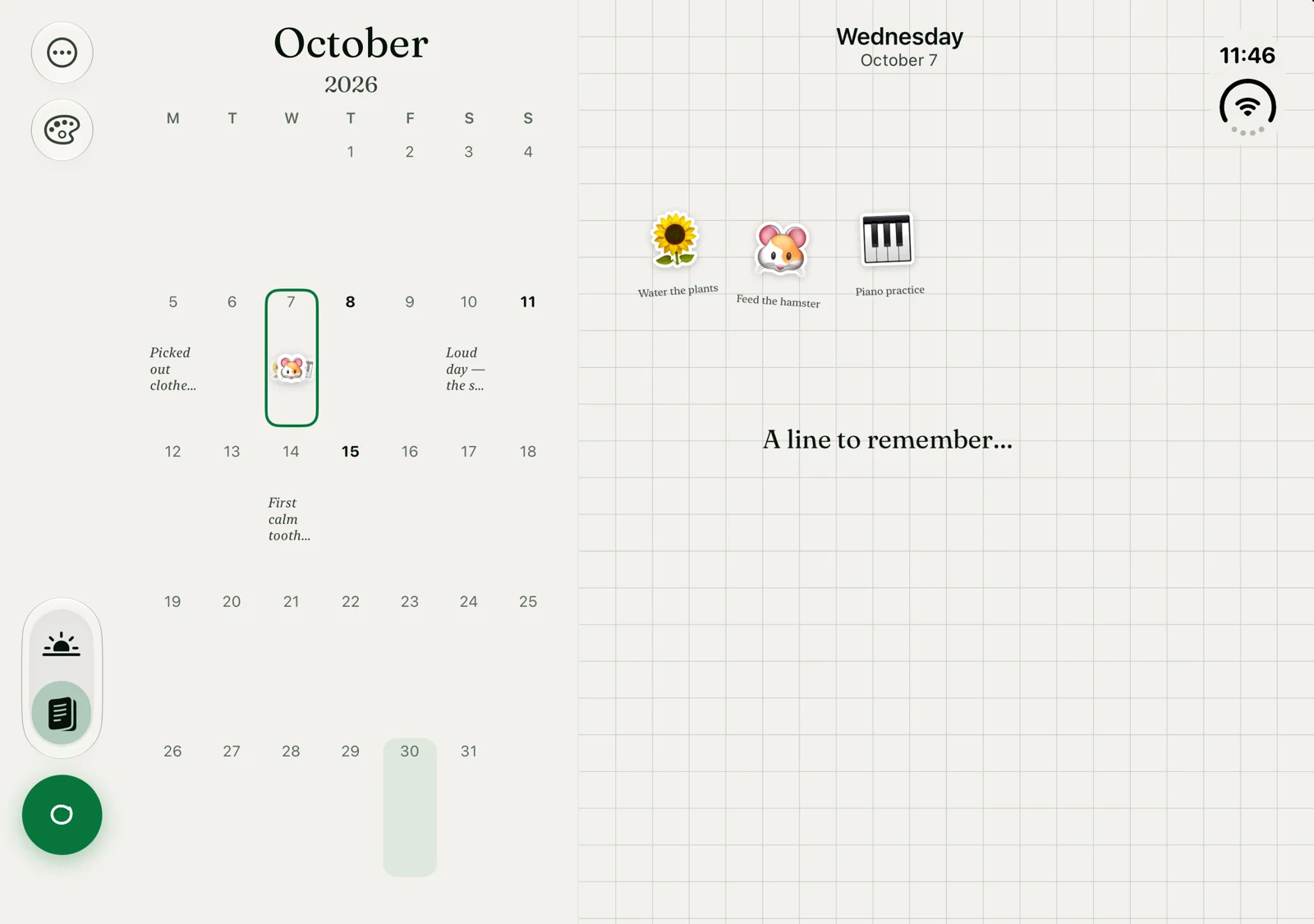
Development build with example tasks and fictional journal entries.
Start with what’s in the room
The cup on the kitchen counter. The shoes by the door. A favourite toy. You can use those particular things to make a routine, with pictures that belong to your home.
Misha’s capture flow can lift an object out of a photo by removing its background on the phone. You can then use the image on a card, add words and arrange it with the other steps. The toothbrush in the picture can be the same one you’re about to pick up.
That connection is the product idea I care about. A parent and child can look at the same card, point to the object and move through the routine together. You choose the objects and the words. The app supplies a place to put them.
I think of the cards like fridge magnets. You can pick them up, put them beside something else and give the arrangement a meaning that makes sense in your household. The pictures are part of the conversation.
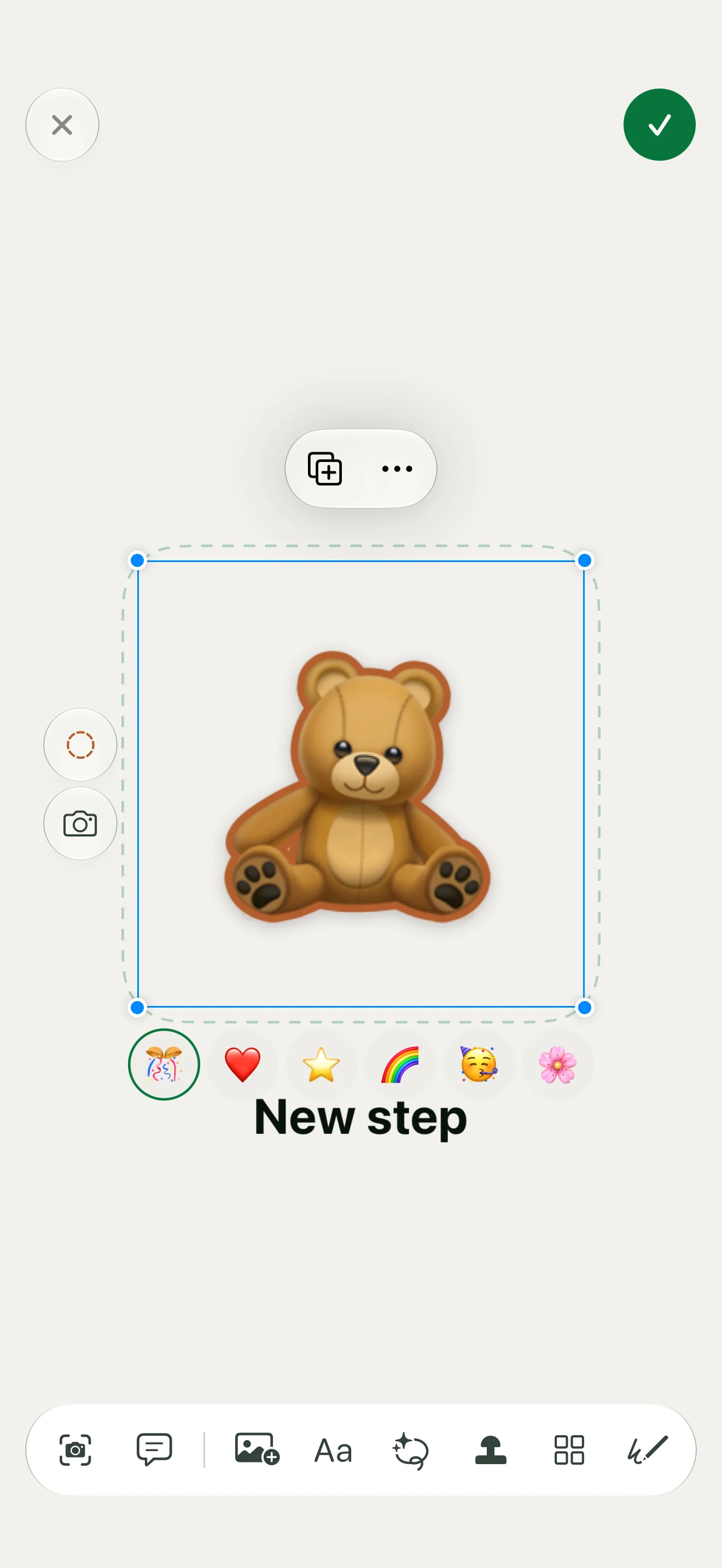
The app editor with example content. Images, text and drawings remain editable.
Leave room to make the page yours
The day journal uses a canvas. You can place a task on it, add a picture, write a note or draw around something you want to remember. The same page can hold what you planned and what you want to say about the day afterwards.
I want that space to feel usable before you’ve written a paragraph. One picture and a few words can be a page. You can also keep adding to it, move things around and change the paper underneath.
The calendar gives those pages an address. You can open a day from the month view and swipe between dates in the journal. You can return to a particular afternoon without searching through a pile of loose images.
This is where planning and journaling meet for me: you use familiar things to show what’s ahead, then use the page to keep something from what happened.
Give the routine an ending
By default, finishing the last step opens a celebration. The finished card includes a Keep in Memories choice, so you decide whether to keep it in the journal.
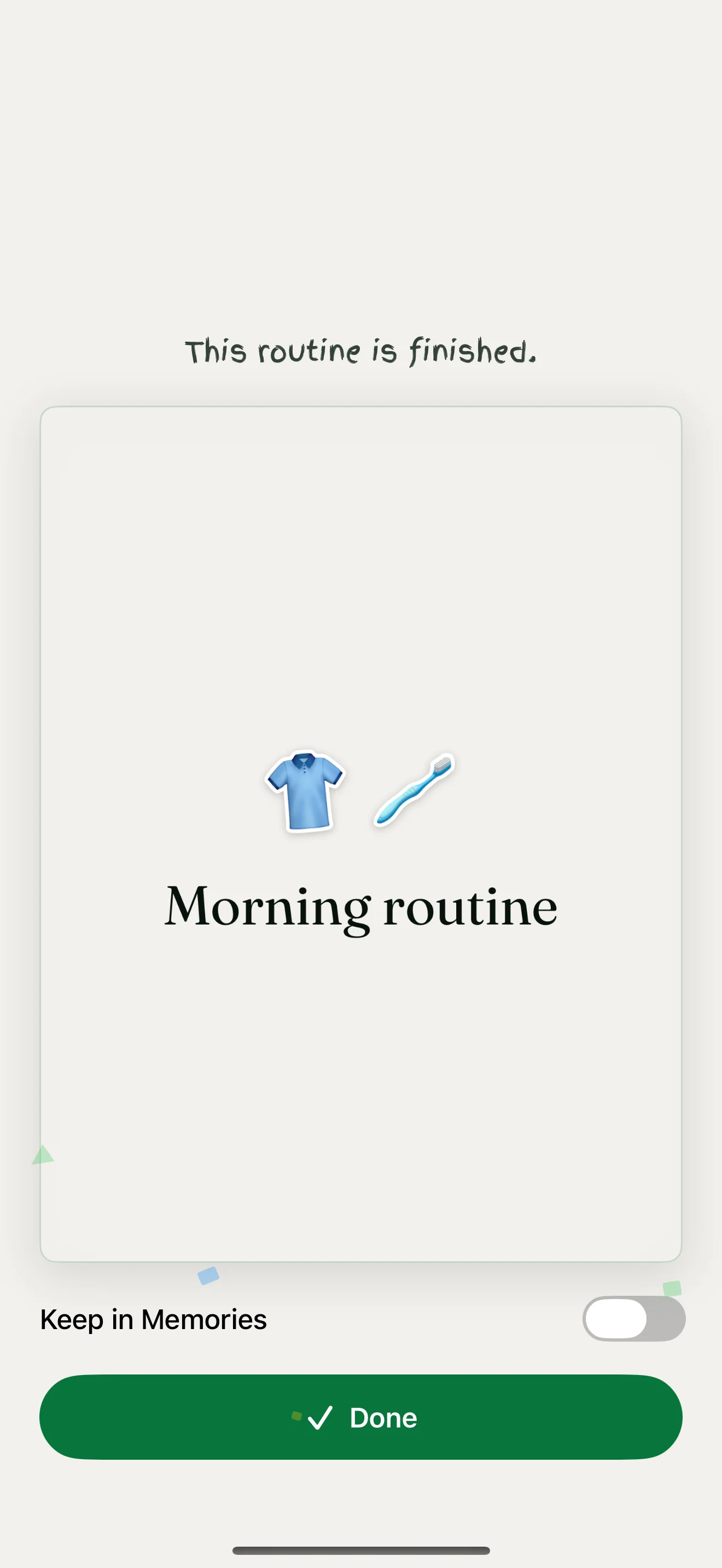
The finish screen with an example morning routine.
A routine can leave you with a small page to revisit: the pictures you chose, the words you added and the fact that you reached the end together. The next day can have its own arrangement.
For a first routine, start with a few things already in the room. Photograph them, put them in order and leave enough space for the person sitting beside you to add something of their own.
Interested in this?
Learn about Technology →