

technology
Please feed the website: our interactive koi pond
These fish are drawn from text characters. Tap the water and the koi turn towards the food. Try the dark and light versions: same behaviour, very different feeling.

Tap the water to feed the koi.
The scene selector above also lets you hail a Hong Kong taxi or send a breeze through bauhinia flowers. Each one has its own response to your tap.
We made this interactive pond for Lyfar Studio’s own website in Hong Kong. The brief was small: give you something to play with, keep the page easy to read, and make the pond feel at home on the site.
Hong Kong has real koi to watch at Central Park in Discovery Bay . This pond fits in a browser tab. The fish have one requirement: food.
The starting point was Mukund Kapoor’s ASCII Chrome Theme , built on drewdi’s ASCII Animals . Its fourteen animal scenes include the koi and their feeding behaviour. We adapted the page composition, controls and animation lifecycle. The taxi and bauhinia scenes are new Lyfar additions to that renderer.
The same pond, two moods
The dark version puts the coloured fish against an almost black background. The light version uses a pale green surface, with softer greys for the white parts of the fish so they remain visible.
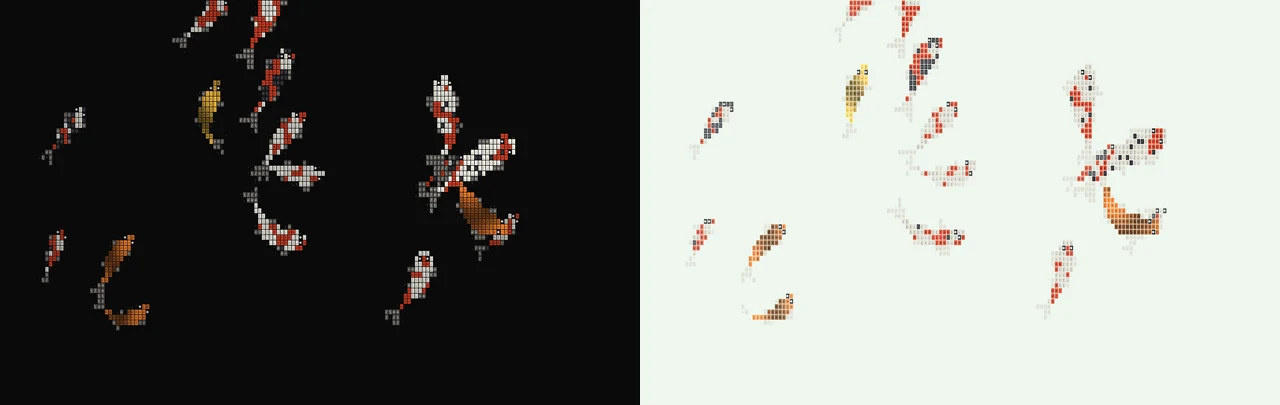
Two captures of the working scene. The colours and contrast change; the swimming rules stay the same.
You can switch between them above and feed the fish in either one. This is useful to compare while the scene is moving: the letters, fins and ripples have to remain legible as they cross the pond. A still image only shows one moment.
We tried the studio colours, then returned to the original orange, white and black. The fish didn’t need a rebrand.
A fish underneath the letters
The movement starts with a head and a line of points behind it. There are fourteen points in each koi’s spine:
const NODES = 14;The head changes direction. Each point behind it follows the previous one, with a limit on how sharply it can bend. A wave grows towards the tail, giving the fish its swish. Think of a ribbon pulled through water: the front leads and the rest catches up.
The renderer then fills that bent shape with coloured cells and text characters. The pattern follows the body around the bend. You’re watching a shape being drawn again and again, rather than a fish image sliding across the page.
Lunch changes the route
A tap drops a small scatter of food. A nearby koi finds the closest pellet within its food range and turns towards it. The closer the food, the stronger the response:
const meal = nearestFood(f, flock, k.foodRange);
const hunger = meal ? 0.25 + 0.75 * pull : 0;
meal is the pellet the fish has found. pull gets stronger as the fish gets closer. hunger then influences how urgently it turns and swims. Once its head reaches the food, the pellet disappears and a ripple marks the gulp.
That small change gives you a role in the scene. Drop food near a fish, then somewhere else. You can see which one responds instead of reading a paragraph telling you that the website is interactive.
The code also clears uneaten pellets after fourteen seconds and keeps at most sixty in the pond. Enthusiastic visitors are accounted for.
Then we hailed a taxi
Choose HK taxi in the selector above and tap near a cab. The nearest one slows to a stop and opens its passenger door. A few seconds later, it carries on. No small talk required.
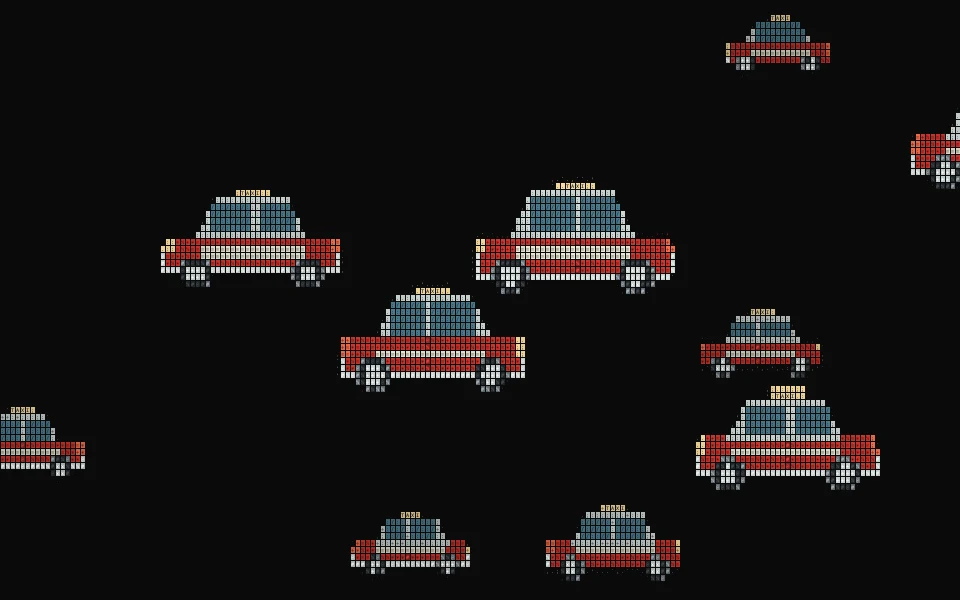
The door is automatic. The fare remains theoretical.
The fish steer towards food. The taxi keeps its lane, brakes and opens a door. Same drawing system, different rules.
A little weather for the flowers
Choose Bauhinia and tap to send a breeze through the scene. The flowers closest to your tap turn and drift more, then return to a gentle pace. Each flower is drawn from five petal shapes, with curved details at the centre.
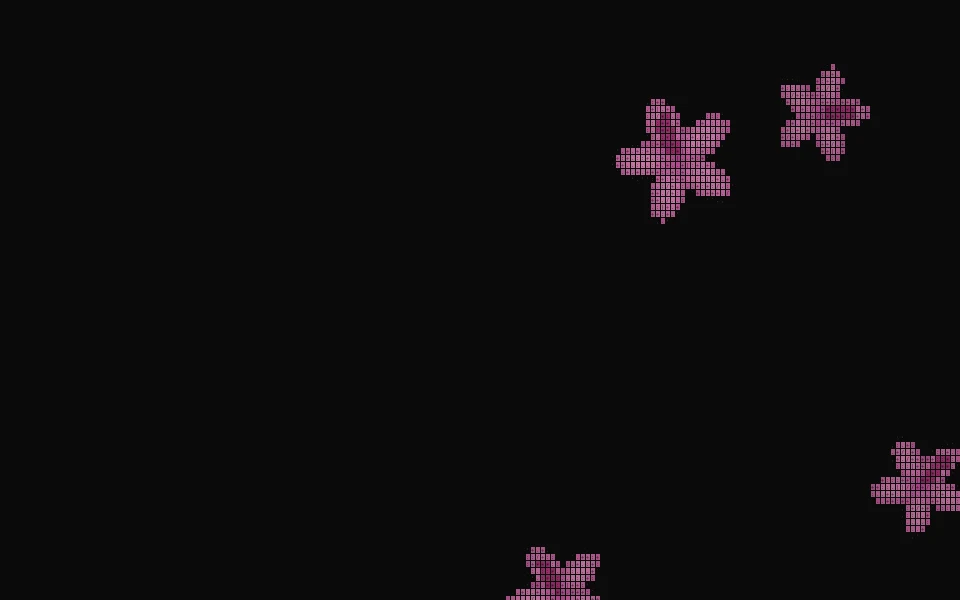
Tap for a breeze. The flowers handle the rest.
The gust fades gradually, so the movement has time to settle. You can see the response, then decide whether to disturb the peace again.
The fish still have to share the page
Our first toolbar was too large. It competed with both the scene and the page, so we cut it back. This post keeps the scene selector, an action button and the dark/light choice together. The full collection lives in the dedicated experiment.
The page also needs to work when you stop playing. The animation pauses offscreen and when the tab is hidden. Reduced-motion preferences start it as a still, and a button gives keyboard users another way to feed the koi. The contact links and the words about the studio keep their space.
For website development in Hong Kong , this is the part we want to show: a distinctive interaction, then the work that lets it sit comfortably inside an actual website. This is an internal studio experiment, with the source work credited and the result available to try.
The Experiments collection has more working pieces to explore. Open the full pond when you’re ready to give these fish their next extremely important meeting.
Interested in this?
Learn about Technology →