education
Your AI Forgets You Every Morning. Here's How to Fix That.
March 17, 2026
Open your AI. Explain your business. Explain your team. Explain the numbers. Ask your question.
Tomorrow morning, do it again.
You’re onboarding the same employee every day. And that employee has amnesia.
What we built
Three operating companies. 50+ properties worth of context. Full financials, team structure, client history, processes, brand voice. Your AI knows all of it before I type a word.
Not because we built something complicated. Because we stopped treating AI like a chatbot and started treating it like a team member who needs proper onboarding.
Three tools. That’s it.
Tool 1: Obsidian (free)
Obsidian is a note-taking app that stores everything as plain text files on your computer. Not the cloud. Your computer. Think of it as a filing cabinet on your hard drive that AI can search in milliseconds.
Here’s what makes it different from Notion or Google Docs: wikilinks.
Every file connects to related files through tagged links. When you ask about a specific client, the system doesn’t just find the client file. It pulls every project, contract, invoice, and note tied to that client. One question. Full picture.
Start with what you re-explain constantly:
- How your business makes money
- Org chart and who owns what
- Pricing and packages
- Key metrics for each team member
- Sales process
- Brand voice and communication rules
One topic per file. Keep them short. A 200-line file that covers one thing well beats a 50-page doc that covers everything badly.
Tool 2: an AI coding agent
Most AI lives in a browser tab. An AI coding agent lives on your machine.
No uploads. No cloud storage. No file size limits. Your financials, client data, internal strategy, all of it stays on your machine. For anyone who won’t put sensitive business data on someone else’s server (and you shouldn’t), this is the answer.
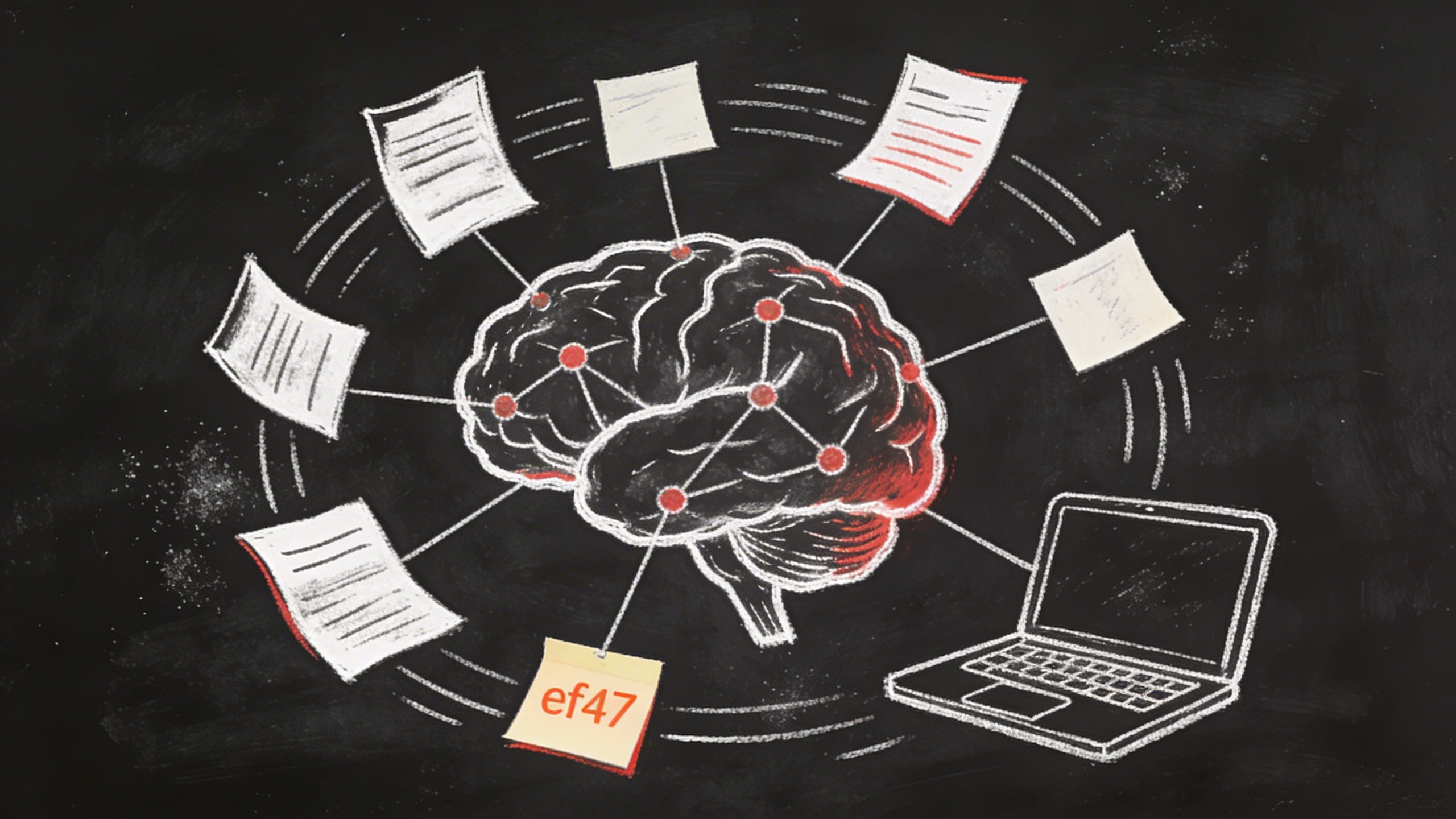
an AI coding agent opens your Obsidian vault, follows the wikilinks between files, and builds context from your entire knowledge base. Not just the file you pointed at. Everything connected to it.
If you’re paying for any AI tool, you should be getting more than a chatbot that forgets you every session.
Tool 3: One instruction file
The file that ties it all together. Think of it as the onboarding document you’d hand a senior executive on day one. Except this executive has perfect memory.
It tells your AI:
- How your company works
- What role it plays (advisor, analyst, operator)
- How to navigate the knowledge base
- What to check before answering
- What never to do
Ours is about 300 lines. Covers three companies, team structure, decision-making rules, communication preferences, even what time zone we’re in. The AI reads it at the start of every session. Fresh memory, full context.
What about built-in project features?
Most AI platforms now have some version of Projects or Custom GPTs. Good. That puts you ahead of most people.
These let you upload files and set custom instructions. For small tasks with a handful of documents, it works fine. It’s the right starting point.
But it has a ceiling. Upload limits cap how much context you can load. Your files live on Anthropic’s servers. And every project is a silo. Your sales project doesn’t talk to your ops project. Your finance files don’t connect to your team files.
The Obsidian + local agent setup removes all three limits. No upload cap. Files stay local. And every file links to every related file across your whole operation.
What changes
Every session starts with full context. No warm-up. No re-explaining. You skip the setup and go straight to the work.
“What’s our margin on the PMQ sublease after the April rate change?” Your AI already knows the lease terms, the split ratio, the tenant agreements, and last month’s invoice.
“Draft a follow-up to the client who went quiet after the proposal.” It knows the proposal, the client history, the pricing, and your tone of voice.
That’s not a chatbot. That’s an operator.
The setup takes an afternoon
Obsidian: free. Install it. Create your vault.
Write your knowledge files. Start with five. The ones you re-explain every week.
Connect the files with wikilinks. Client links to projects. Projects link to invoices. Invoices link to financials.
Write your instruction file. Tell your AI who you are, how you work, and what the vault contains.
Open an AI coding agent. Point it at the vault. Start asking questions.
One afternoon of setup. Every session after that starts at full speed.
Our stack
This isn’t theoretical. Here’s what we actually use:
Knowledge base: Obsidian (free). 900+ atomic notes across three companies. Every note has frontmatter (date, type, tags) and wikilinks to related notes. One idea per file.
AI agent: OpenClaw (open source, free). Runs locally, connects to any LLM provider. Talks via Telegram, has full file access, can search the vault, run scripts, deploy sites.
Search: QMD (local-first search). Combines BM25 + vector embeddings + reranking. Finds connections that keyword search misses.
Graph layer: qmd-graph. Wikilink-based knowledge graph. Spreading activation finds cross-domain connections. “What links my son’s hearing loss to my work on acoustic physics?” That kind of question.
Books that shaped the system:
- How to Take Smart Notes (Sönke Ahrens). The atomic note method. One idea per note, linked to everything related. This is the foundation.
- Building a Second Brain (Tiago Forte). Progressive summarization. Capture, organize, distill, express. The workflow that makes notes useful instead of just archived.
- The PARA Method (Tiago Forte). Projects, Areas, Resources, Archive. Simple folder structure that scales.
The books gave us the principles. Obsidian gave us the tool. AI gave us the speed. Together, they turned a pile of notes into a system that actually thinks with you.
Start today
If you run a business and you’re still re-explaining yourself to AI every morning, you’re paying for a sports car and driving it in first gear.
Interested in this?
Learn about AI Education →